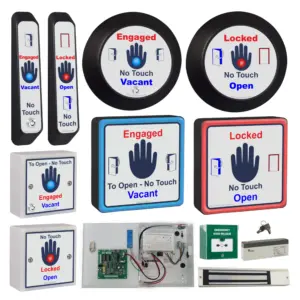
SQWCRADAR-KIT – RADAR toilet door lock for Disabled Toilets
£625.13 ex VAT
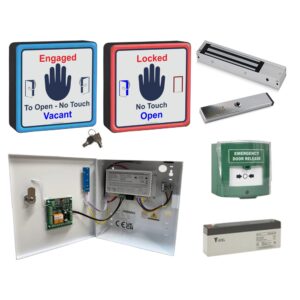
RADAR toilet door lock kit
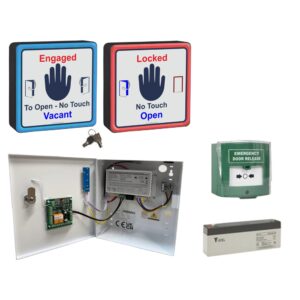
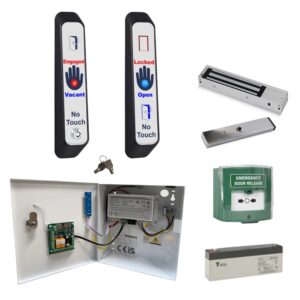
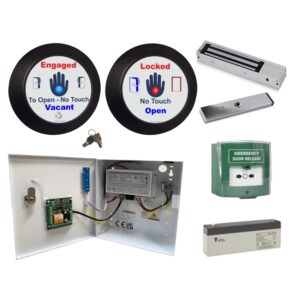
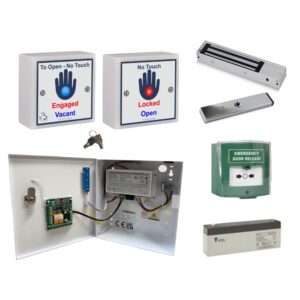
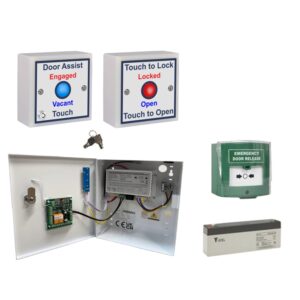
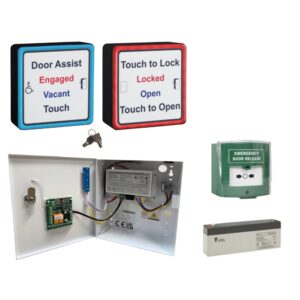
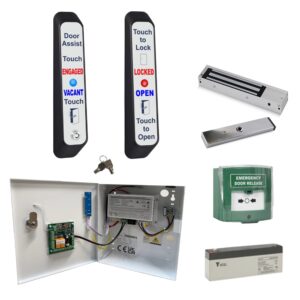
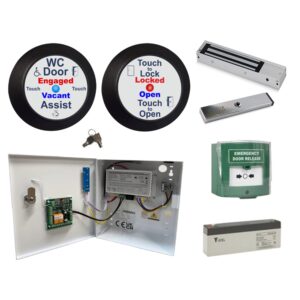
Ensure dignity, safety, and accessibility with the RADAR Toilet Door Kit. A reliable, electronic locking system designed specifically for disabled-access toilets. This complete solution offers secure, user-friendly access using a heavy-duty, weatherproof RADAR key entry switch, making it ideal for public or private accessible facilities.
What’s Included:
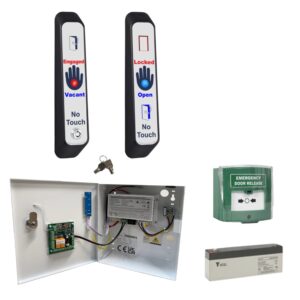
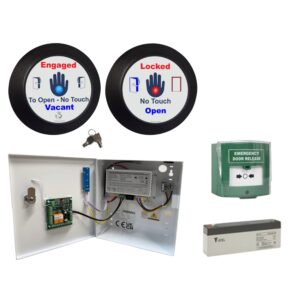
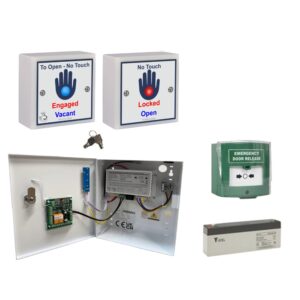
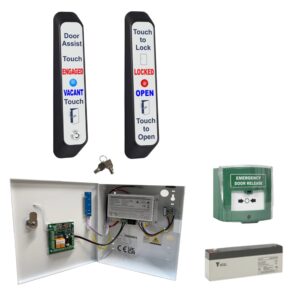
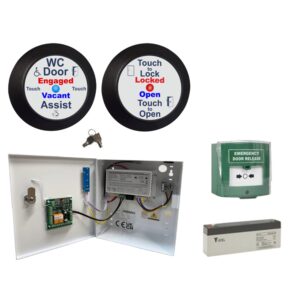
- Weatherproof RADAR Key Entry Switch with clear LED status indicator
- Illuminated Anti-Microbial ‘Touch to Lock/Unlock’ Switch for internal use
- Monitored Magnetic Lock for enhanced security
- 12V 3A Power Supply with control board (WCPCB)
- 2.1Ah Backup Battery for continued operation during power outages
- Emergency Break Glass Unit for quick exit in an emergency
- Key Switch for emergency entry (Flush fit).
- RADAR Key (colour may vary)
How It Works:
- The door remains securely locked when not in use, with a blue LED indicating availability.
- A user with a RADAR key simply inserts and turns it to unlock and open the door.
- Once inside, touching the internal ‘Touch to Lock’ sensor locks the door, switches all LEDs to red, and disables external access.
- After use, a second touch unlocks the door and resets the LEDs back to blue, ready for the next user.
The RADAR Toilet Door Kit offers peace of mind for users and facility managers alike.
- Heavy duty, weatherproof external radar key entry unit
- Internal anti-microbial sensor
- Powered by 12-24Vdc
- Switching red & blue LEDs to show engaged or vacant status
- Anti prank contact to prevent misuse
- Timed clean output for auto door operation
- Mag lock powered by the door operator
Kit Includes:
- Radar key entry switch with LED status indicator
- Illuminated anti-microbial 'Touch to Lock/Unlock' switch
- 12V 3A power supply with WCPCB (control board)
- Monitored mag lock
- 2.1Ah battery
- Narrow emergency key switch
- Emergency break glass
- RADAR Key (colour may vary)

▪ Internal sensor beeps when touched but doesn’t turn red
Solution:
-
Link out the door switch terminals on the control board.
-
If this works, inspect the mag lock reed switch/monitoring wiring and armature plate alignment.
-
Ensure the mag lock provides a normally closed (NC) signal when the door is shut.
- See troubleshooting document for more information.
▪ Touch sensor doesn’t beep when touched
Step-by-step checks (de-power system for 10 seconds after each step):
-
Ensure the sensor is securely mounted—not dangling or held in hand.
-
Check the jumper next to the sensor relay is fitted and making properly.
-
Use a multimeter to check voltage across +V and 0V at the sensor.
- The touch sensor and LEDs use separate supplies – LEDs being lit doesn’t mean the touch sensor side has power.
-
Confirm 0V is in the correct terminal, not the REM terminal.
- Disconnect the sensor from existing cabling and connect it directly to the controller on a short piece of cable to rule out cable issues.
▪ System locks with no one inside
Solution:
-
Ensure mag lock contacts are wired into the door switch terminals on the control board.
-
Adjust the potentiometer on the internal touch sensor to switch for 3 – 5 seconds.
-
Reduce the sensitivity of the internal touch sensor, especially if emergency lighting or hand dryers are nearby.
-
Remove any excess cable inside the touch sensor back box.
-
Re-terminate internal touch sensor connections.
- Consider fitting the MULTI-TIMER reset relay.
▪ Automatic door doesn’t open when it should
Solution:
-
Remove the two wires from the C and NO door activation terminals on the control board and join them together.
-
If the door still doesn’t open, the problem lies with the operator—contact the supplier/manufacturer.
▪ Mag lock does not engage
Solution:
-
Check the position of the override keyswitch on the external sensor.
-
Ensure the break glass hasn’t been pressed
- Use a multimeter to check for voltage at the mag lock.
If voltage is present but the lock isn’t engaging, the lock is faulty.
▪ Touch sensor LEDs aren’t lit
Solution:
-
Verify that the solid/flashing LED jumper on the control board is in place.
-
If using square sensors, the LED wires should connect to the larger outer PCB (see wiring diagrams sectionl).
-
Use a multimeter to check voltage at the touch sensor LED terminals.
-
The LEDs have a separate power supply from the sensor itself—if the sensor beeps but LEDs don’t light, check for a cable break.
-
-
Remove the sensor from the wall and connect it directly to the control board using a short cable to rule out wiring issues.
▪ Touch sensor LEDs are flashing but I'd like them lit solid
Solution:
-
Change the jumper position on the control board.
▪ Can multiple keyswitches and touch sensors be used?
Yes!
-
Multiple Radar keyswitches or Touch to Lock/Open sensors can be wired in parallel.
| Weight | 5 kg |
|---|
Related products
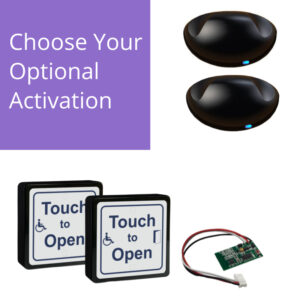
SWDK Automatic Swing Door Kits
From £992.84 ex VAT
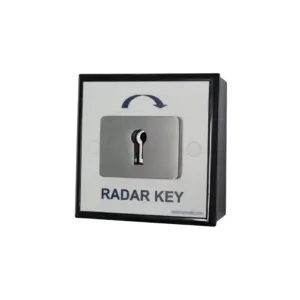
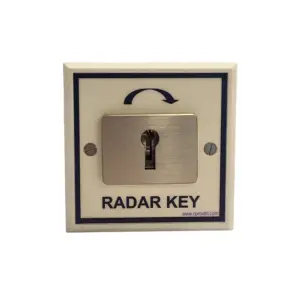


SGWCRADAR Single Gang Electric RADAR Key Entry System
£175.00 ex VAT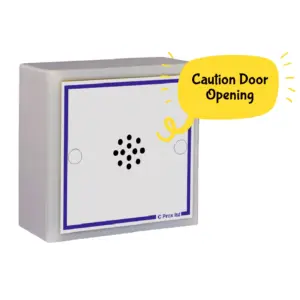
SGMP3 Audio Message Announcer
£60.82 ex VAT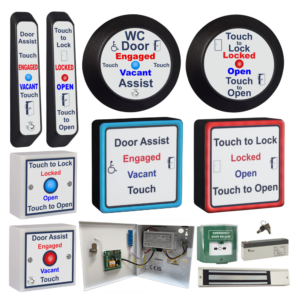
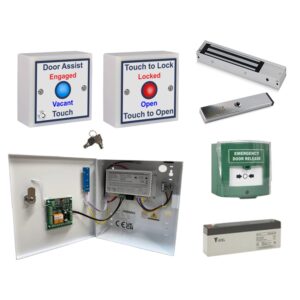
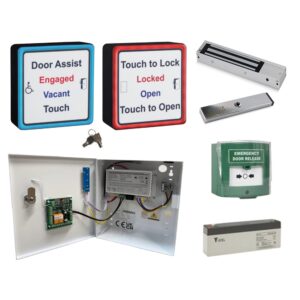
WCKIT Disabled Persons Toilet Locking System
From £312.94 ex VAT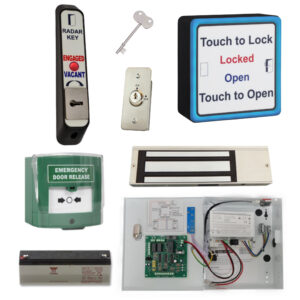

AWCRADAR-KIT Electronic Radar Toilet Door Lock & Key Entry
£625.13 ex VAT