


Introduction
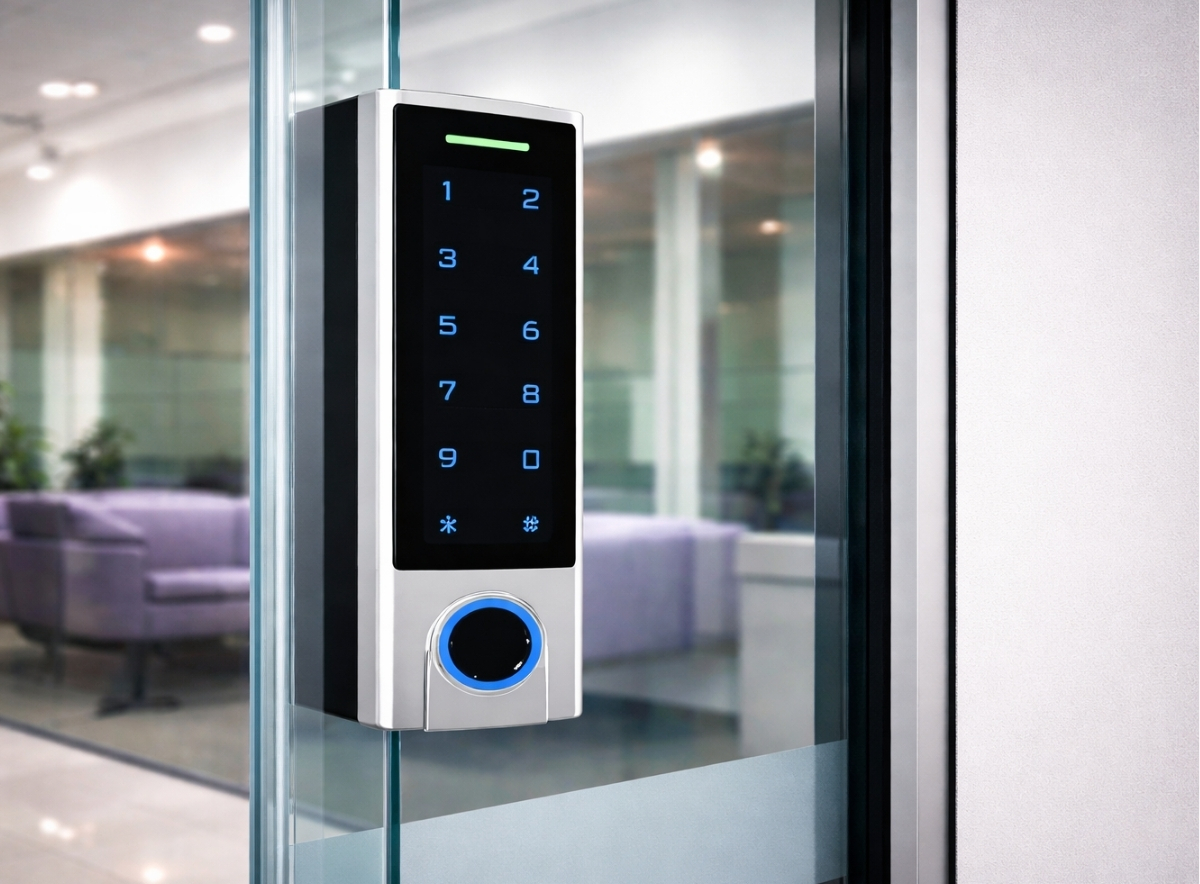
Fob access control systems are widely used in offices, commercial buildings, schools, and managed sites across the UK because they allow administrators to manage access without constantly changing physical locks. For facilities managers, installers, and estates teams, however, the day-to-day reality of running these systems often centres on something far more routine: managing fobs and cards.
Lost credentials, new starters, access permissions, and staff departures all create ongoing administrative tasks. If these processes are poorly organised, the system can quickly become unreliable or insecure.
This article focuses on the operational side of managing users and credentials within fob access control systems. It explains how fobs are added, removed, and assigned access levels in real installations, along with the common issues that arise during everyday system management. These operational tasks sit within the broader access control framework covered in the main guide.
How Fobs and Cards Are Managed in Practice
Most fob access control systems rely on RFID or proximity credentials. Each fob contains a unique identifier that is recognised by the access control software or controller when presented to a reader.
The identifier itself does not grant access. Instead, the system checks the ID against a database where permissions are assigned. The process typically follows three basic steps:
- Credential registration
The fob ID is added to the system database and linked to a user record. - Access level assignment
The user is assigned permissions that determine which doors they can open and at what times. - System synchronisation
The controller or network distributes the permissions to relevant door controllers.
In smaller standalone systems, these steps may be handled directly at a controller or keypad. In networked installations, they are usually managed through central software.
The administrative process often sits between facilities and IT teams, especially where the access system integrates with building management or HR databases.
Adding New Users Without Creating Long-Term Problems
Adding users appears simple, but poor credential management can lead to confusion later.
In many buildings, fobs are issued quickly during onboarding without clear tracking. Over time, duplicate records, unreturned fobs, and incorrect permissions accumulate.
Good practice generally includes:
- Assigning each credential to a named user
- Recording issue dates
- Linking credentials to employment status
- Removing unused or temporary credentials regularly
Larger organisations often integrate access systems with HR records so that new employees automatically appear in the system for approval.
Installers sometimes see systems where dozens of generic credentials exist with labels such as “Cleaner” or “Temp Staff”. These create difficulties when permissions need reviewing.
Handling Lost or Stolen Fobs
Lost credentials are one of the most common administrative issues in fob access control systems.
The main advantage of electronic credentials is that access can be removed immediately without changing locks. However, the process only works if the lost fob can be identified and disabled.
Typical response steps include:
- Identifying the credential ID in the database
- Disabling or deleting the credential
- Issuing a replacement fob
- Recording the incident
Where credentials are not individually tracked, disabling the correct fob becomes difficult. Some sites respond by deleting multiple credentials and re-issuing them, which creates disruption.
Building managers sometimes keep spare credentials pre-registered in the system so replacements can be issued quickly without waiting for programming.
Lost credentials are also more likely when staff carry multiple building passes or key fobs. Consolidating building access into a single credential can reduce this problem.
Structuring Access Levels Properly
Access levels determine which doors a credential can open. In well-managed systems, these permissions are grouped into roles rather than assigned individually.
For example:
| Role | Access Permissions |
| Office staff | Main entrance, office floor |
| Facilities team | All building areas |
| Cleaning contractor | Selected doors outside office hours |
| IT staff | Server room and office areas |
Using structured access levels avoids the problem of manually editing permissions for individual users.
When access is assigned directly to users rather than groups, the database becomes difficult to maintain. Over time, permissions accumulate that no longer match staff responsibilities.
Group-based access also simplifies onboarding. A new staff member can be assigned a predefined access level instead of configuring permissions manually.
Time Schedules and Access Windows
Many networked or cloud-based fob access control systems allow permissions to vary by time.
Common examples include:
- Contractors allowed access only during working hours
- Cleaning staff entering after office closing time
- Weekend access restricted to authorised personnel like management
Time schedules reduce the risk of unauthorised activity outside normal hours.
However, schedules must be planned carefully and grace periods incorporated. Incorrect configuration can accidentally prevent staff from entering the building during legitimate working periods.
Facilities managers often encounter problems after bank holidays or schedule changes where door permissions fail to update correctly.
Clear naming conventions for schedules help avoid this issue. For example:
- Office hours
- 24-hour access
- Evening cleaning window
Managing Staff Departures
Employee departures are another frequent administrative task.
If credentials remain active after staff leave, they create a security risk. Deactivating them promptly is essential.
Many organisations link credential removal to HR offboarding procedures. When an employee record is closed, their access is automatically removed.
In smaller organisations, this process may rely on manual checks by the facilities team.
A common problem occurs when staff leave but their fobs are not returned. In such cases, administrators should deactivate the credential rather than relying on physical retrieval.
Temporary and Contractor Access
Visitors and contractors often require short-term access to certain parts of a building.
This is usually handled through:
- Temporary credentials
- Expiry dates
- Restricted access levels
For example, a contractor may receive a fob valid for only three days and limited to specific doors.
Without expiry settings, temporary credentials can remain active long after the work is completed.
Contractor access management also affects compliance and building safety policies.
Common Administrative Issues in Fob Systems
Installers and facilities managers regularly encounter the same operational problems in fob access control systems.
Untracked Credentials
Systems sometimes contain hundreds of fobs with no assigned user names. This usually happens when credentials are programmed directly into door controllers without central tracking.
Duplicate Credentials
Some systems accidentally register the same credential multiple times under different user records.
Incorrect Access Levels
Permissions often expand over time without review, giving staff access to areas they no longer require.
Legacy Credentials
Older fobs may remain active long after being replaced.
Regular audits of the credential database can prevent these issues.
Planning for System Growth
Credential management becomes more complex as buildings expand.
Sites that start with a few doors may grow into multi-building estates, where hundreds or thousands of users require access.
Planning ahead can avoid future complications. Considerations include:
- Choosing software that supports large user databases
- Using role-based access structures
- Maintaining clear credential records
- Documenting administrative procedures
Without these measures, scaling the system becomes difficult.
Practical Takeaways
Managing credentials affects several aspects of access control systems.
Security
- Lost fobs must be identifiable and removable quickly
- Old credentials should not remain active
Administration
- Role-based access levels simplify user management
- Clear credential records prevent confusion
System reliability
- Time schedules should be tested and reviewed
- Credential databases require regular audits
Planning
- Access structures should be designed early
- Temporary and contractor access needs clear rules
Facilities managers benefit most from organised credential processes, while installers often assist in designing systems that are easier to manage over time.
Conclusion
Day-to-day management of fob access control systems often centres on administrative processes rather than hardware. Adding users, removing lost credentials, and maintaining accurate access permissions all affect how secure and reliable the system remains over time.
When credentials are clearly tracked and access levels are structured properly, the system becomes easier to maintain and audit. Poorly organised databases, on the other hand, can lead to unnecessary risk and operational frustration.
Planning how users and credentials will be managed should be part of the initial system design rather than an afterthought.