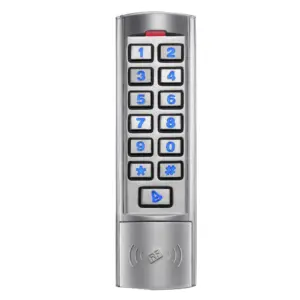
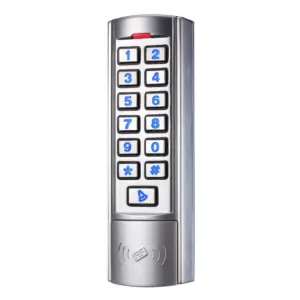
KPN Slim Keypad with Proximity
£46.90 ex VAT
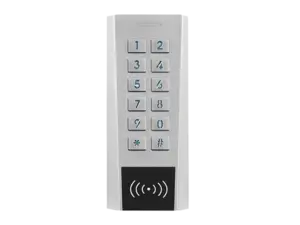
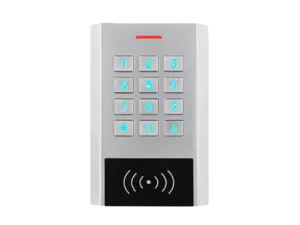
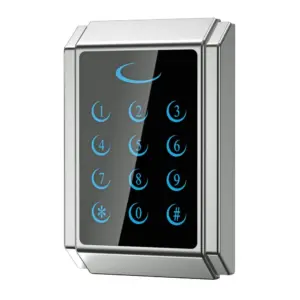
Slim Waterproof Keypad with Built-In Proximity Reader
Enhance the security of your building or facility with the KPN Slim Keypad, a reliable and efficient access control solution. Designed for both standalone and Wiegand output operation, it allows authorised users to gain entry using a PIN code, RFID card, or fob. This ensures only those with the correct credentials can access restricted areas.
Whether you’re securing an office, warehouse, secure building, or gated entrance, this keypad delivers a simple and effective way to manage access and improve security.
Key Features:
- Quick and easy setup via the keypad or master cards.
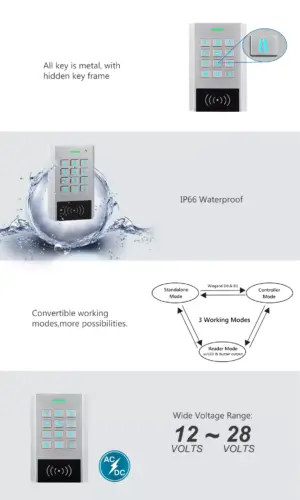
- Waterproof and weather-resistant, ideal for indoor or outdoor use, even in harsh conditions.
- Durable zinc alloy housing with a powder-coated finish for extra strength and vandal resistance.
- Supports up to 1,000 users, with multiple access modes: card only, PIN only, or card + PIN.
- Flexible relay options: pulse mode (1–99 seconds) or toggle mode.
- Pre-wired with a 1-metre cable for convenient installation.
- Operating voltage 12-28Vac/dc
- Waterproof, conforms to IP66
- One relay output
- Strong anti-vandal zinc alloy powder coated housing
- Full programming from the keypad
- Admin add/delete cards for quick programming of users
- 1000 users, supports card, PIN, or card + PIN
- Card frequency 125KHz EM
- PIN length 4-6 digits
- All metal backlit keys
- Wiegand 26-37 bits input & output, connect slave reader or to a controller
- Tri colour LED status display
- Integrated buzzer and alarm output
- Pulse (adjustable) or toggle mode
- User data can be transferred to other units
- 2 devices can be interlocked for 2 doors
- Built in light dependent resistor (LDR) for antitamper
- Pre-wired 1 metre cable
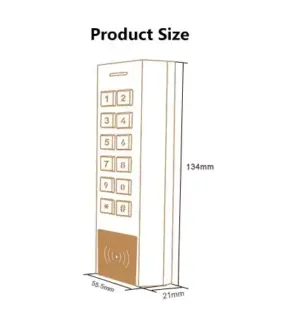
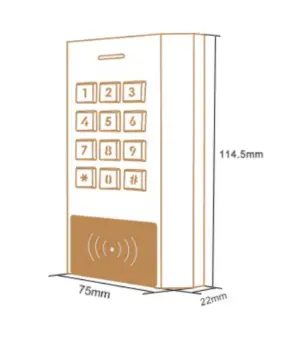
- Dimensions: 134 x 55 x 21mm
- 2 year warranty
▪ Forgotten the master code
Solution:
- Perform a factory reset. Master code will be reset to default. (123456)
- How to: Power off, press and hold the exit button whilst powering up the unit. There will be 2 beeps, release the exit button, the LED turns yellow. Then read any two EM 125KHz cards, the LED will turn red. The first card read is the master add card, the second card read is the master delete card. User data is unaffected.
▪ Lost the master cards
Solution:
- Any two 125KHz EM cards can be programmed as master cards.
- Perform a factory reset: Power off, press and hold the exit button whilst powering up the unit. There will be 2 beeps, release the exit button, the LED turns yellow. Then read any two EM 125KHz cards, the LED will turn red. The first card read is the master add card, the second card read is the master delete card. User data is unaffected.
▪ Reader isn’t beeping when fob or card is presented
Solution:
- Check your cards or fobs are the correct type & frequency for the reader. They must be 125KHz EM.
▪ 3 beeps when trying to program something into a User ID
Answer:
- User ID is already taken, please try a different one.
▪ How do I delete a specific PIN or card?
Answer:
- When the device was installed, an issue record should have been kept. This may be on the last page of the supplied manual or kept digitally. Refer to the issue record and see page 8 of the manual.
- If no issue record was kept, you may need to delete all users and re-add them.
▪ Programming issues, relay not switching, unexpected beeping or flashing, cards not reading properly
Answer:
- Check the power output is supplying the correct voltage, and that it is capable of supplying enough current (minimum 100mA). If not, fit a separate transformer.
- Perform a factory reset.
- Double check all cabling and connections. Take off the wall and connect directly to the power supply to rule out any cabling issues or short circuits.
PFOB-G, PFOB-IP, PCARD
| Weight | 0.40 kg |
|---|---|
| Dimensions | 134 × 55 × 21 mm |
Related products
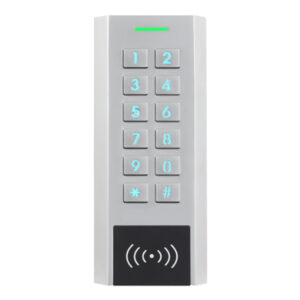
KPN-2 Dual Relay Keypad with Proximity
£59.95 ex VAT
KPS Waterproof Digital Keypad with Proximity 12-28Vac/dc
£53.61 ex VAT
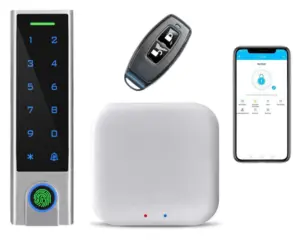
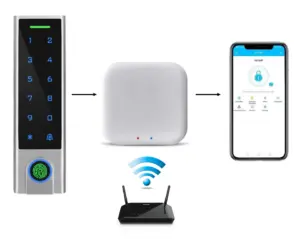
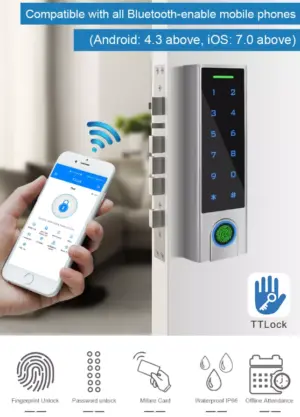
KPFA-BT Smart Multi-functional Keyless Entry Access Controller
£69.95 ex VAT
PFOB-IP Blue Proximity Fob 125KHz EM
£0.93 ex VAT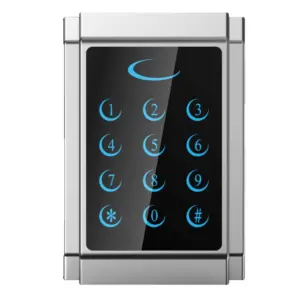
DPS-T Touch Keypad Access Control with Proximity
Original price was: £58.50.£32.00Current price is: £32.00. ex VAT