


SQIOPEN Illuminated Door Activation Switch
£83.96 ex VAT
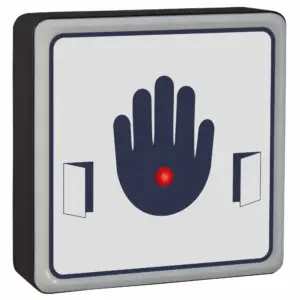
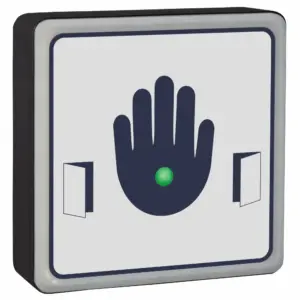
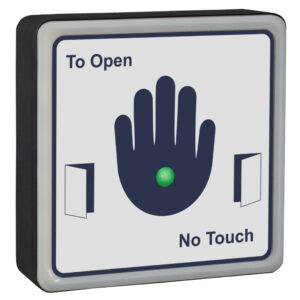
Illuminated Door Activation Switches – High-Visibility Contactless Door Switch
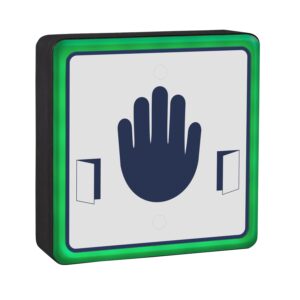
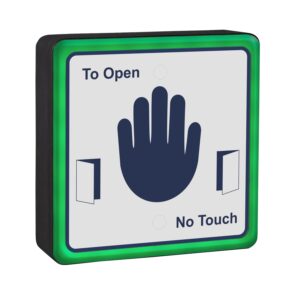
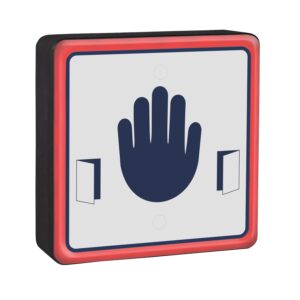
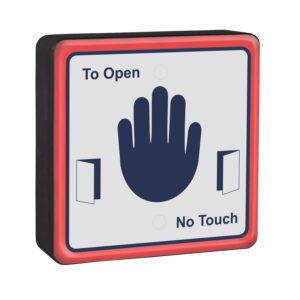
Our illuminated door activation switches combine touch-free operation with high-visibility illumination, making it an excellent choice for automatic doors, access control systems, and door entry applications where reliability, accessibility, and ease of use are essential. The switch is clearly visible in dimly lit areas, helping users quickly identify the activation point.
Instead of pressing a mechanical button, users simply wave their hand in front of the sensor to trigger the door. This completely contactless operation not only provides a more hygienic solution but also offers effortless access for wheelchair users, those with reduced mobility, and anyone carrying bags, equipment, or deliveries.
Designed for demanding commercial environments, the SQIOPEN features adjustable sensing sensitivity, allowing installers to optimise performance for different locations. Every activation is acknowledged with a bright LED indication and an audible confirmation tone, giving users immediate reassurance that the door has received the activation signal.
With no moving mechanical components, the SQIOPEN is engineered for long-term reliability and consistent performance. It eliminates the wear commonly associated with conventional push pads while reducing maintenance costs over the lifetime of the installation. Its robust construction makes it suitable for frequent daily use in busy environments.
Fully DDA compliant, the SQIOPEN is an ideal solution for hospitals, healthcare facilities, schools, offices, retail premises, hotels, and public buildings. It can also be customised with bespoke graphics, company branding, or specific operating instructions to complement any installation.
Key Features
- High-visibility illuminated contactless door activation switch
- Hardwired sensor for automatic doors and access control systems
- Touch-free hand wave operation
- Adjustable sensing range for flexible installation
- Bright LED illumination for easy identification
- Audible activation confirmation
- DDA-compliant design for improved accessibility
- Low-maintenance alternative to mechanical push pads
- Custom faceplates available with logos and bespoke signage
- Suitable for internal and external installations
- DDA Compliant
- 12 – 28Vdc
- 4 position sensitivity adjustment. (Touch to proximity)
- Timed clean relay output
- Selectable red, blue & green LED’s
- Sounder on activation
- Scratch resistant anti-microbial label
- Entire label is sensitive
- Reinforced nylon housing
- IP54 Rated
Company name & logo can be printed on the label (Contact us for further information)
Our acrylic signage is protected by an antimicrobial additive which means 99.9% of germs will not grow on them!. Our sensors offer protection against a range of bacteria including E. coli, MRSA, Salmonella and Legionella, as well as black mould growth, biofilm and fungi. Mould growth is responsible for costly redecoration cycles and respiratory complaints, especially in damp and humid environments where its prevention is otherwise difficult.
The additive works continuously and effectively to restrict this growth before it appears. It eradicates the bacteria which cause contamination and infection, as well as those responsible for odours and staining. The antimicrobial effect also protects the product against degradation, extending its use!
- Automatic door operators
- Access control systems
- Hospitals and healthcare environments
- Commercial offices
- Educational facilities
- Hotels and hospitality venues
- Public buildings
- Retail premises
◾ Touch sensor doesn’t beep/activate when touched
Step-by-step checks: After each step below, de-power the system for 10 seconds and power it back up.
- Screw the activation switch to the wall properly, don’t have it dangling or in your hand.
- Change the sensitivity.
- Ensure the jumper next to the touch sensor relay is on and is making properly.
- Make sure 0V is in the correct terminal, not the REM terminal.
- Use a multimeter to check you’ve got voltage at the touch sensor (+V Red & 0V black).
- Take off the wall and connect power directly to the power supply on a short piece of cable to rule out any cable issues or short circuits.
◾ Touch sensor activates randomly
Solution:
- Turn down the sensitivity on the activation switch, especially if there is emergency lighting nearby.
- Make sure there isn’t excess cable in the back box.
- Re-terminate all connections.
- Touch sensors can be activated by changes in voltage which is a problem on unregulated power supplies. Fit a separate transformer.
◾ LEDs aren't illuminated
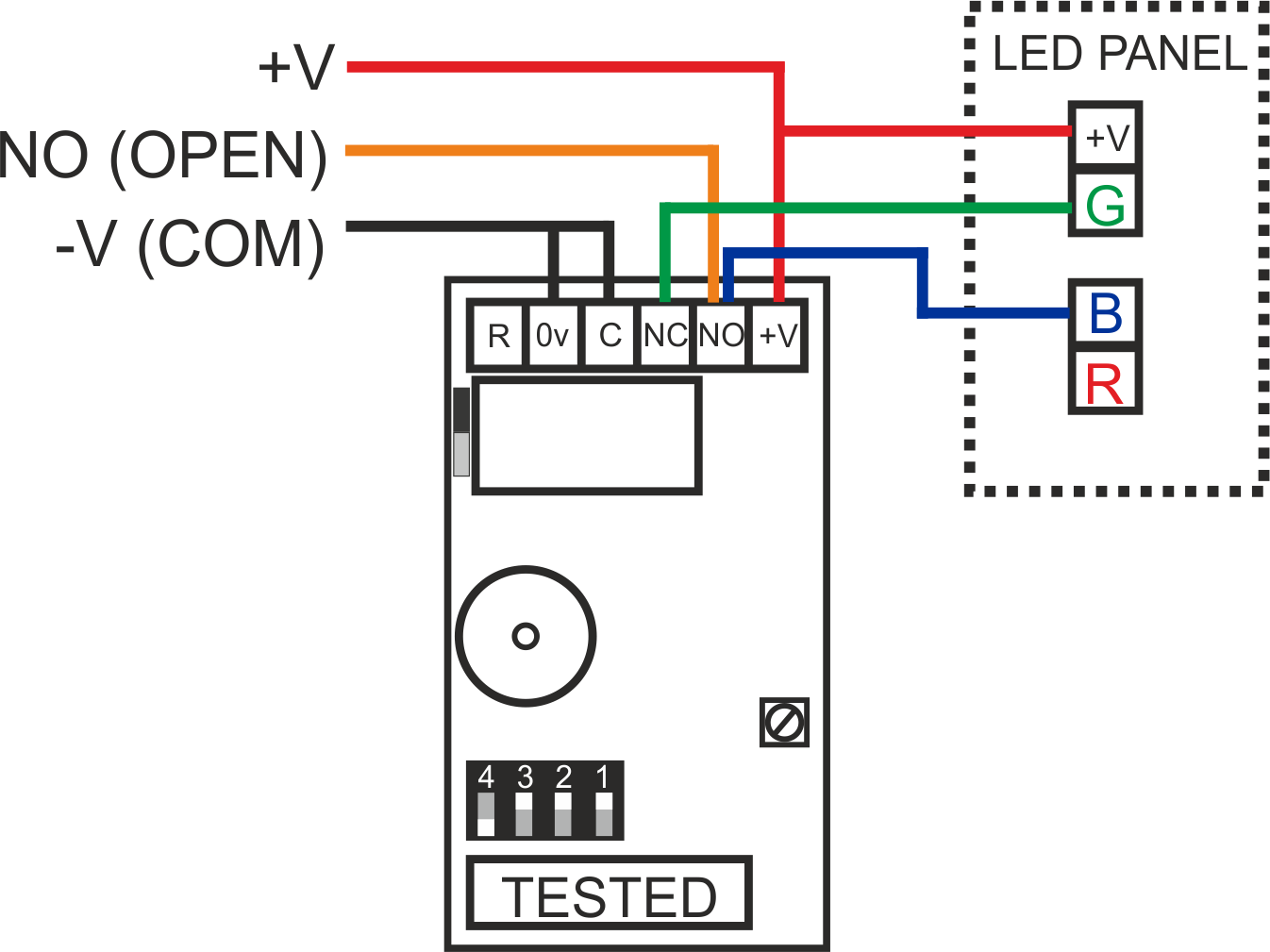
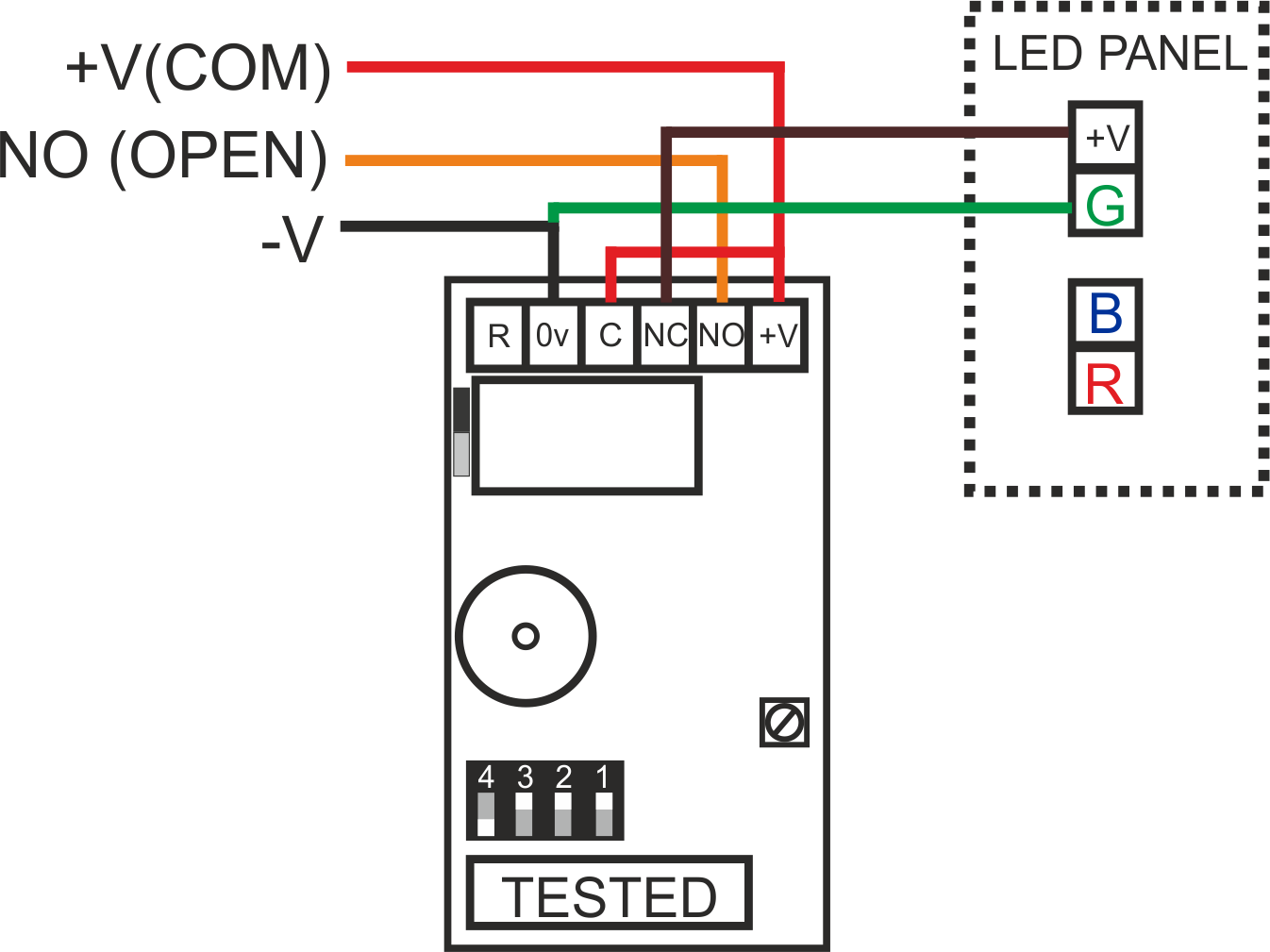
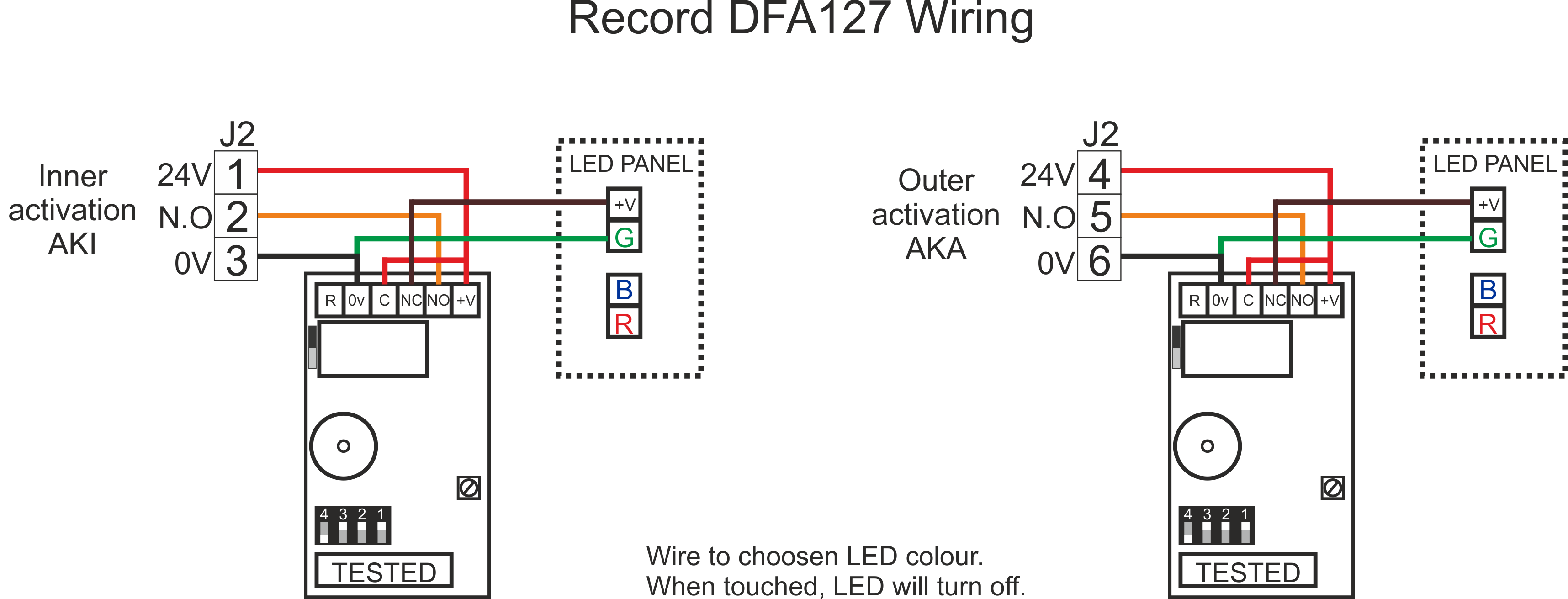
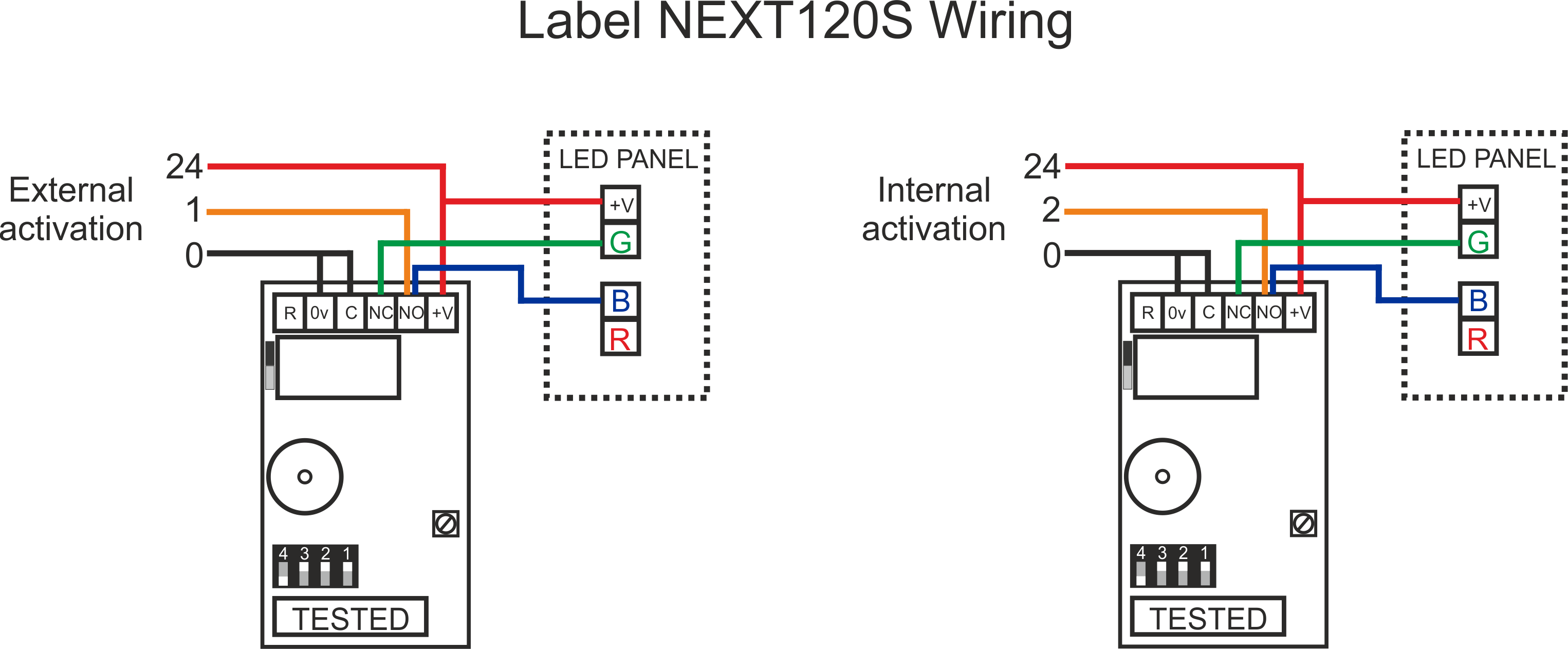
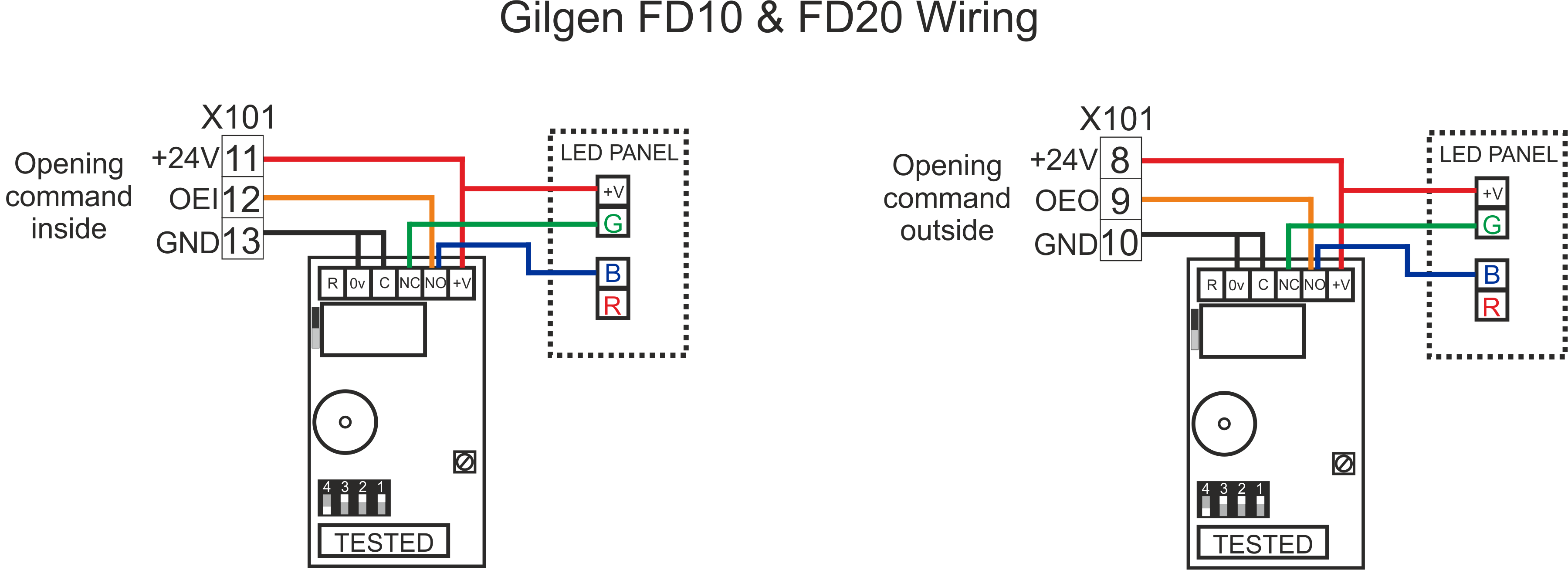
See wiring diagrams section.
| Weight | 0.25 kg |
|---|---|
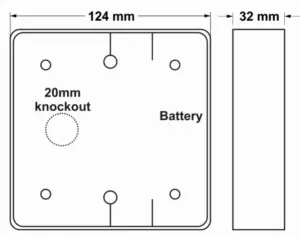
| Dimensions | 124 × 124 × 32 mm |
Related products

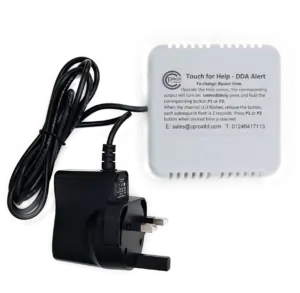
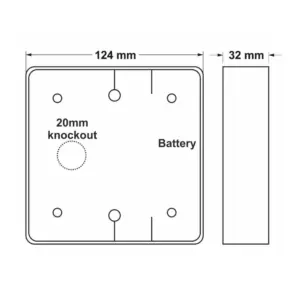
SQTXHELP-KIT Wireless Touch For Help
£114.95 ex VAT
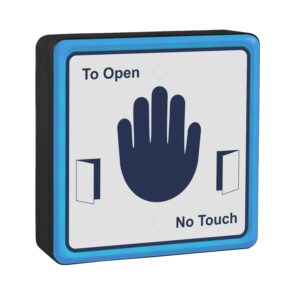

SQIHAND Illuminated Hand Switch
£83.96 ex VAT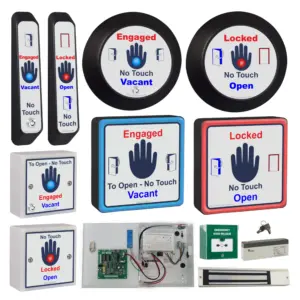

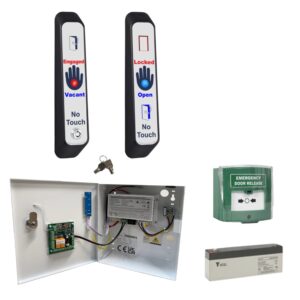
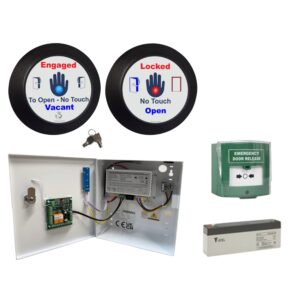
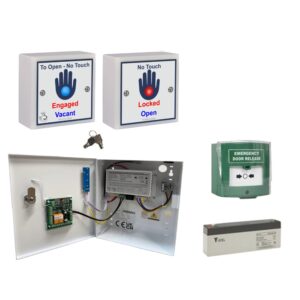
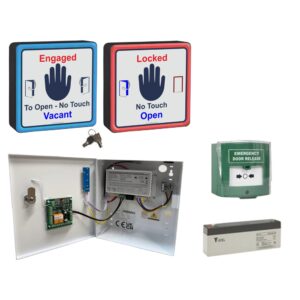
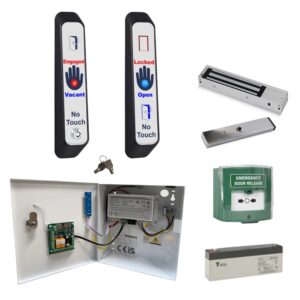
WCKIT-HAND Contactless Toilet Door Locking Kit
From £312.94 ex VAT

SQHAND Hardwired Automatic Door No Touch Switch
£66.96 ex VAT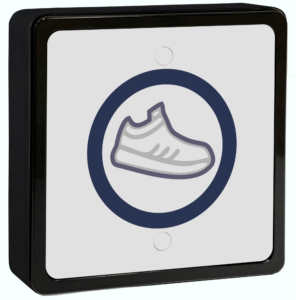
SQFOOT Contactless Kick Switch
£66.96 ex VAT