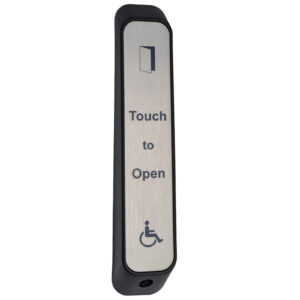
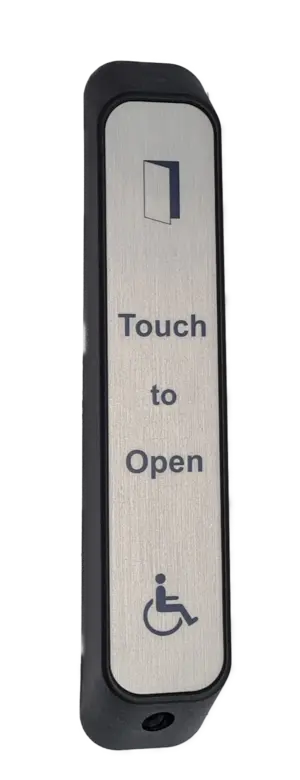
SQFSTXOPEN Wireless Faux Stainless Touch To Open Sensor
£79.71 ex VAT
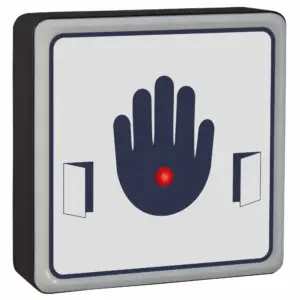
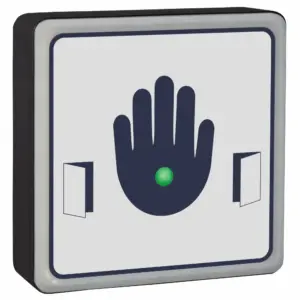
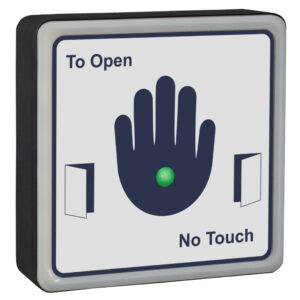
Wireless Touch To Open Sensor for Automatic Doors. A hygienic substitute for conventional push pads.
The square wireless touch to open sensor is a premium wireless touch free door activation sensor designed to improve hygiene, accessibility, and convenience in modern buildings. Using reliable 868MHz wireless technology, it provides a flexible solution for automatic door activation without the need for hardwired connections, making it ideal for both new installations and retrofit projects.
Featuring a durable faux stainless steel acrylic faceplate, the sensor combines the appearance of stainless steel with excellent scratch resistance and long-term durability. The label is protected with an antimicrobial additive that kills 99.9% of germs, helping to create cleaner environments in locations where infection control and user safety are essential.
Unlike traditional mechanical push pads, the SQFSTXOPEN operates without the need for physical pressure. Its touch free design makes door activation easier for all users, particularly those with reduced mobility or physical disabilities. Clear signage and audible activation feedback further support users with visual or hearing impairments, helping buildings meet accessibility requirements.
Suitable for automatic sliding doors, automatic swing doors, accessible toilet doors, healthcare facilities, offices, schools, care homes, and public buildings, the sensor offers a reliable and hygienic alternative to conventional push pads. Its robust construction makes it suitable for both indoor and outdoor installations, while bespoke label designs, company branding, and logo options allow it to be tailored to individual project requirements.
Key Features
- 868MHz Wireless Technology – Provides reliable wireless communication and eliminates the need for hardwired activation devices.
- DDA Compliant – Designed to support accessibility requirements and improve ease of use for all building users.
- Touch-Free & Hygienic – Contactless activation helps reduce the spread of bacteria and viruses in high-traffic environments.
- Antimicrobial Protection – Durable faux stainless steel label incorporates an antimicrobial additive that kills 99.9% of germs.
- Custom Branding Available – Labels can be customised with company names, logos, and bespoke messaging.
- Indoor & Outdoor Use – Robust construction suitable for a wide range of commercial, healthcare, education, and public sector applications.
- Cost-Effective Alternative – More reliable and lower maintenance than traditional mechanical stainless steel push pads.
To discuss this product in more detail, or to explore bespoke labels or system options, please contact us. Our team will be happy to assist with technical guidance, custom requirements, or project specifications.
- Hygienic push pad alternative
- 868 MHz
- 4 x AA batteries (supplied)
- Approximately 100,000 operations
- Sounder on activation
- Battery saving design, unit will only activate once if hand is left on
- Touch sensitive inside the blue band
- Reinforced nylon housing
- Waterproof IP65 when fitted with seals
- Max 50m distance between touch sensor and RX receiver
- Comes with anti-tamper screws (Tool supplied) & a number of stickers to cover the screws
- Company name & logo can be printed on the label (Contact us for further information)
Our sensors offer protection against a range of bacteria including E. coli, MRSA, Salmonella and Legionella, as well as black mould growth, biofilm and fungi. 99% of germs will not grown. Mould growth is responsible for costly redecoration cycles and respiratory complaints, especially in damp and humid environments where its prevention is otherwise difficult.
The antimicrobial additive works continuously and effectively to restrict this growth before it appears. It eradicates the bacteria which cause contamination and infection, as well as those responsible for odours and staining. They are also protected against degradation, extending its use!
▪ You must locate & access the receiver to program a touch sensor
- Compatible receivers are: RX-2, RX-4, RX-2-5A, RX-MINI-1, RX-MINI-1-PLUS, RX-T
- The receiver will be wired in to whatever it is switching. If switching an automatic door, it is likely to be inside the operator. You may need to trace some wires back to it.
- Please note the receiver may have been taken out of its housing.
▪ Touch sensor has stopped working or won’t program
Solution:
- Change the batteries in the wireless touch to open sensor.
- Follow the programming video tutorial.
- Check there are no metal objects obstructing the receiver, check its power supply by making sure there’s correct voltage and that the output isn’t powering too many things, and extend the antenna if possible.
- Test in a different location to determine if signal interference is the issue.
- If it’s determined to be interference, hardwiring is the best option.
▪ Touch sensor is intermittent
Solution:
- Change the batteries in the wireless touch to open sensor..
- Check there are no metal objects obstructing the receiver, check its power supply by making sure there’s correct voltage and that the output isn’t powering too many things, and extend the antenna if possible.
- Test in a different location to determine if signal interference is the issue.
- If it’s determined to be interference, hardwiring is the best option.
▪ The automatic door isn’t opening when the touch sensor is activated
Solution:
If the receiver relay is clicking or the red LED is turning on (depending on receiver model) when the touch sensor is activated:
- The system is working. Check the wiring from the receiver to the auto door operator. Check the operator is in automatic mode. Refer to the manual of the auto door operator or contact the manufacturer.
If not:
- Check the touch sensor is programmed into the receiver. See also previous sections.
Receivers: VIEW ALL RECEIVERS |RX-2 | RX-4 | RX-2-5A | RX-MINI-1 | RX-MINI-1-PLUS | RX-T | GDRC
| Weight | 0.315 kg |
|---|---|
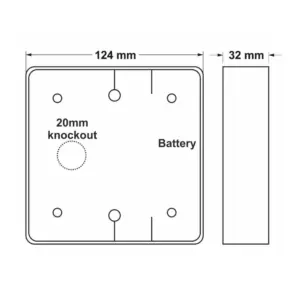
| Dimensions | 124 × 124 × 32 mm |
Related products
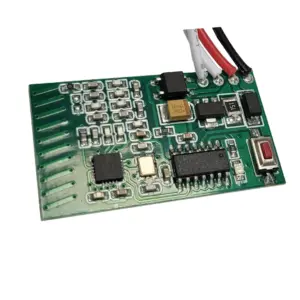
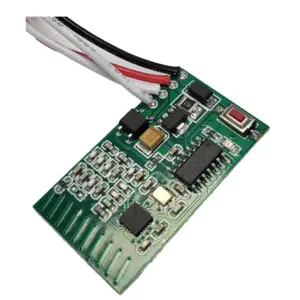
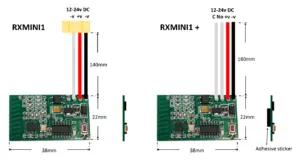
RX-MINI-1-PLUS Mini 868 MHz Receiver
£27.84 ex VAT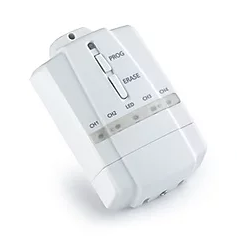
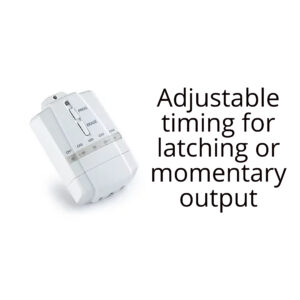
RX-T Receiver With Timer Function
£30.41 ex VAT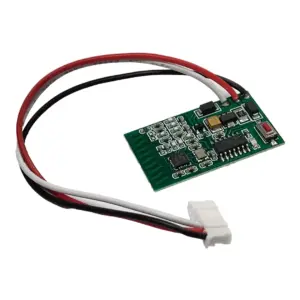
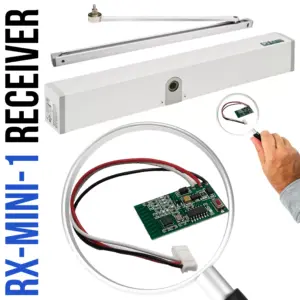
RX-MINI-1 Mini 1 Channel Receiver 868 MHz
£27.84 ex VAT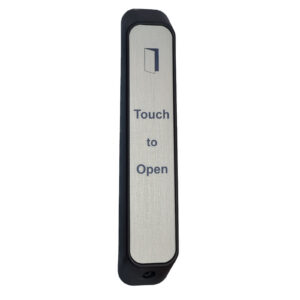

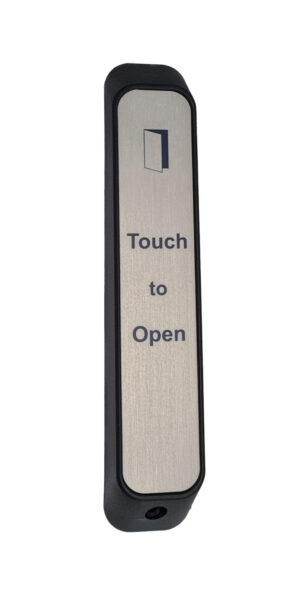
AFSTXOPEN Wireless Faux Stainless Sensor
£68.02 ex VAT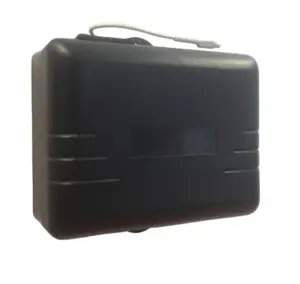
RX 2 & 4 Channel 868MHz Receiver
From £28.35 ex VAT