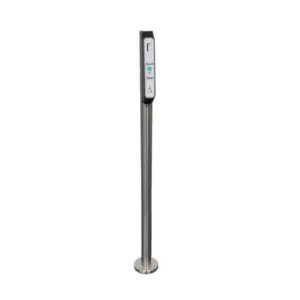
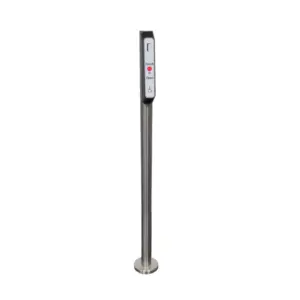
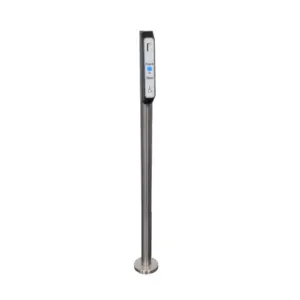
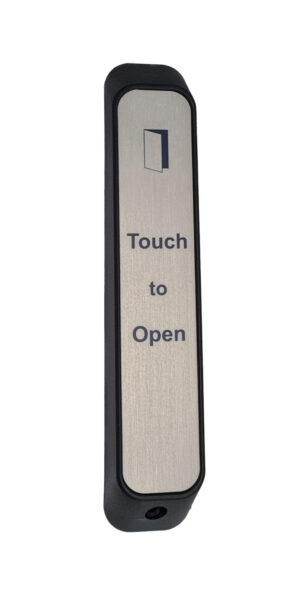
ASTXOPEN-NL Radio Touch Sensor
£68.02 ex VAT
Slim stainless wireless touch sensor for automatic door.
Our wireless touch sensors are are ideal for manually triggering door openers, activating access control, door entry & other switching applications.
Unlike mechanical push pads no physical pressure is required making them ideal for users with physical disabilities. The bold, concise signage and beep on activation give aid to people with sight and hearing impairments.
We believe our sensors are modern, user friendly and the cleanest switches available on the market!
Please Note: ASTXOPEN IS NO LONGER AVAILABLE, AFSTXOPEN IS OUR ALTERNATIVE
Stainless sensors are being phased out by our faux stainless models.
- DDA Compliant
- 868MHz
- 4 x AA alkaline batteries (supplied)
- Approximately 100,000 operations
- Bleep on activation
- Battery saving design, unit will only transmit once if hand left on
- 316 marine grade stainless steel label
- Entire label is sensitive
- Reinforced nylon housing
- IP65 rated
- Max 50m distance between touch sensor and RX receiver
- Specifically designed for architraves, posts and barriers
▪ You must locate & access the receiver to program a touch sensor
- Compatible receivers are: RX-2, RX-4, RX-2-5A, RX-MINI-1, RX-MINI-1-PLUS, RX-T
- The receiver will be wired in to whatever it is switching. If switching an automatic door, it is likely to be inside the operator. You may need to trace some wires back to it.
- Please note the receiver may have been taken out of its housing.
▪ Touch sensor has stopped working or won’t program
Solution:
- Change the batteries.
- Follow the programming video tutorial.
- Check there are no metal objects obstructing the receiver, check its power supply by making sure there’s correct voltage and that the output isn’t powering too many things, and extend the antenna if possible.
- Test in a different location to determine if signal interference is the issue.
- If it’s determined to be interference, hardwiring is the best option.
Touch sensor is intermittent
✅ Solution:
- Change the batteries.
- Check there are no metal objects obstructing the receiver, check its power supply by making sure there’s correct voltage and that the output isn’t powering too many things, and extend the antenna if possible.
- Test in a different location to determine if signal interference is the issue.
- If it’s determined to be interference, hardwiring is the best option.
The automatic door isn’t opening when the touch sensor is activated
✅ Solution:
If the receiver relay is clicking or the red LED is turning on (depending on receiver model) when the wireless touch sensor is activated:
- The system is working. Check the wiring from the receiver to the auto door operator. Check the operator is in automatic mode. Refer to the manual of the auto door operator or contact the manufacturer.
If not:
- Check the wireless touch sensor is programmed into the receiver. See also previous sections.
Receivers: VIEW ALL RECEIVERS |RX-2 | RX-4 | RX-2-5A | RX-MINI-1 | RX-MINI-1-PLUS | RX-T | GDRC
Posts: POSTS | POST-ADAPT
Barriers: ALL BARRIERS, VARIOUS SIZES | BARRIER-ADAPT
| Weight | 0.270 kg |
|---|---|
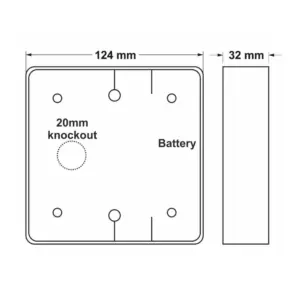
| Dimensions | 230 × 42 × 43 mm |
Related products
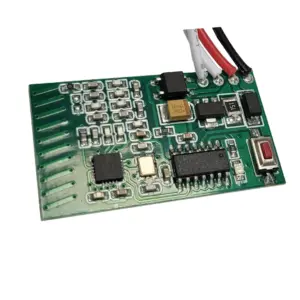
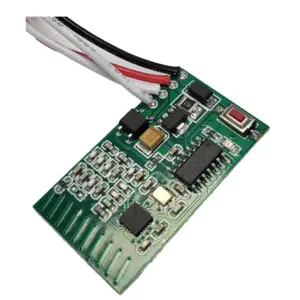
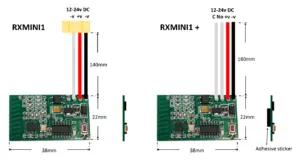
RX-MINI-1-PLUS Mini 868 MHz Receiver
£27.84 ex VAT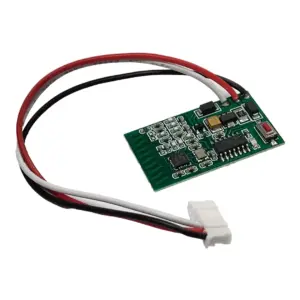
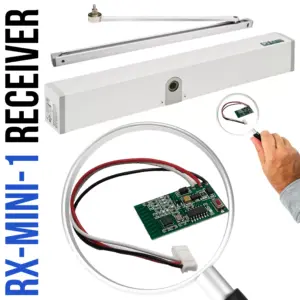
RX-MINI-1 Mini 1 Channel Receiver 868 MHz
£27.84 ex VAT

SQFSTXOPEN Wireless Faux Stainless Touch To Open Sensor
£79.71 ex VAT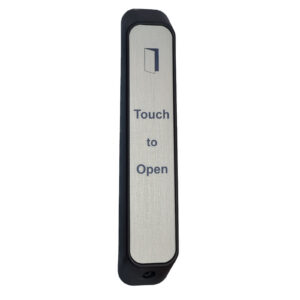

AFSTXOPEN Wireless Faux Stainless Sensor
£68.02 ex VAT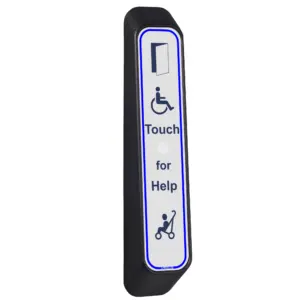
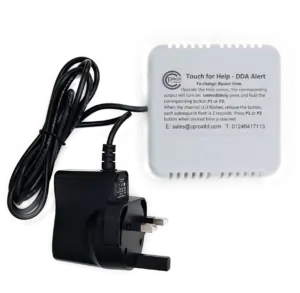
ATXHELP-KIT Touch For Help Wireless DDA Alerter
£104.12 ex VAT